From Idea to Interface: How I Start a New Project
5–6 min read
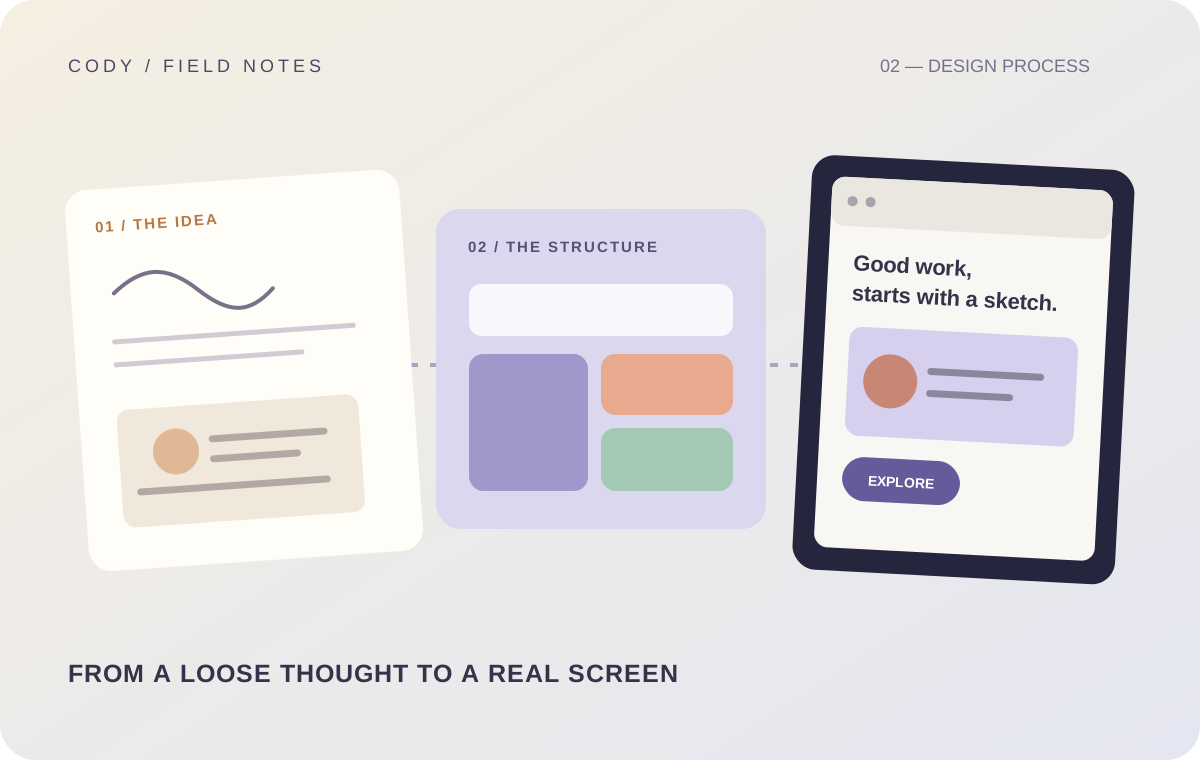
When I start a new project, it is tempting to open the editor immediately.
Create the project. Install dependencies. Create the first component. Start designing the homepage.
That feels like progress.
But I have learned that moving quickly isn't the same thing as moving in the right direction.
My process starts before the first component.
Start with the problem
The first question isn't "what should the interface look like?"
It is "what is this product supposed to help someone do?"
That question sounds simple, but it changes the project.
A product can have dozens of features and still have a confusing purpose.
If the primary problem isn't clear, the interface usually becomes a collection of unrelated screens.
So I start by identifying the core user goal.
Define the main flows
Once the problem is clear, I think about the main things a user needs to accomplish.
For a product, this might include discovering something, searching, viewing details, creating something, saving something, communicating, completing a transaction, or managing an account.
The exact flows depend on the product.
The important thing is to identify the journey before designing every individual screen.
Think about information architecture
Next, I think about where information belongs.
What should be on the home screen? What belongs in search? What deserves its own page? What should be accessible from the profile? Which actions are primary? Which information is secondary?
This is where navigation starts taking shape.
Good information architecture prevents the interface from becoming a maze later.
Create a visual language
Once the structure is clear, I start thinking visually.
Typography. Spacing. Colors. Borders. Radii. Icons. Buttons. Inputs. Cards.
The goal is not to make every component immediately.
It is to establish a visual language that components can follow.
A small set of rules can make an entire product feel more cohesive.
Build the important components first
I don't try to build every possible component at the beginning.
I focus on the components that define the product.
If it is a content-heavy application, that might be cards, lists, filters, search, and detail views.
If it is a dashboard, it might be navigation, tables, forms, metrics, and charts.
These components reveal whether the visual system actually works.
Design states early
This is one of the biggest changes in my process.
I don't want to leave loading, empty, error, disabled, and success states until the end.
They influence the component design.
For example, if a card needs to support loading and unavailable states, that should affect how the component is structured.
If a form has several validation states, that should influence the input design.
Designing states early prevents awkward additions later.
Then implementation begins
Once the structure and visual direction are clear, implementation becomes much easier.
The code still requires problem solving.
APIs need to be connected. Data needs to be shaped. Authentication needs to work. Responsive behavior needs testing.
But the project has a direction.
I'm no longer making every decision while writing code.
That matters.
Test the interface like a user
Once the core functionality works, I stop looking at the application like its developer.
I try to use it like someone who knows nothing about the implementation.
Can I find what I need? Do the labels make sense? Are the important actions obvious? What happens if I make a mistake? What happens if there is no data? What happens if I go back? What happens on a smaller screen?
This phase often exposes problems that were invisible while coding.
Polish comes after function, but not too late
There is a balance between functionality and polish.
If I polish everything before the core flow works, I may spend hours perfecting something that later changes.
But if I wait until the very end to care about visual quality, I can end up with a technically functional product that feels inconsistent.
So I try to polish continuously at the component and flow level.
Then the final pass is about refinement rather than rebuilding.
Know when to stop
This might be the hardest part.
There is always another feature. Another animation. Another redesign. Another abstraction. Another improvement.
A project needs a definition of done.
For me, that means the core user flows work, important states are handled, the UI is coherent, obvious bugs are fixed, and the product is ready for real feedback.
After that, additional improvements should be driven by actual needs rather than endless speculation.
The process is not rigid
My process isn't a checklist that must be followed perfectly.
Some projects need more planning. Some need more experimentation. Sometimes the best way to answer a question is to build a quick prototype.
The important thing is having enough structure to prevent the project from becoming a random collection of decisions.
For me, the overall path is simple: understand the problem, define the flows, organize the information, establish the visual system, build the core components, handle states, connect the real data, test, polish, and ship.
That process keeps me focused on the product instead of getting lost in individual screens.
And every project I build gives me another opportunity to improve the process itself.